Experience · Click-Through

Presentations You Explore.

Click-through, non-linear presentations built for demos, showrooms, and self-guided pitches — where the audience explores at their own pace instead of sitting through a fixed deck.

What's Included

Everything You Need

A complete, senior-led scope for interactive presentation — no vague retainers, no guesswork.

Non-Linear Navigation

Menu-driven exploration — jump between sections instead of a fixed slide order.

Interactive Prototypes

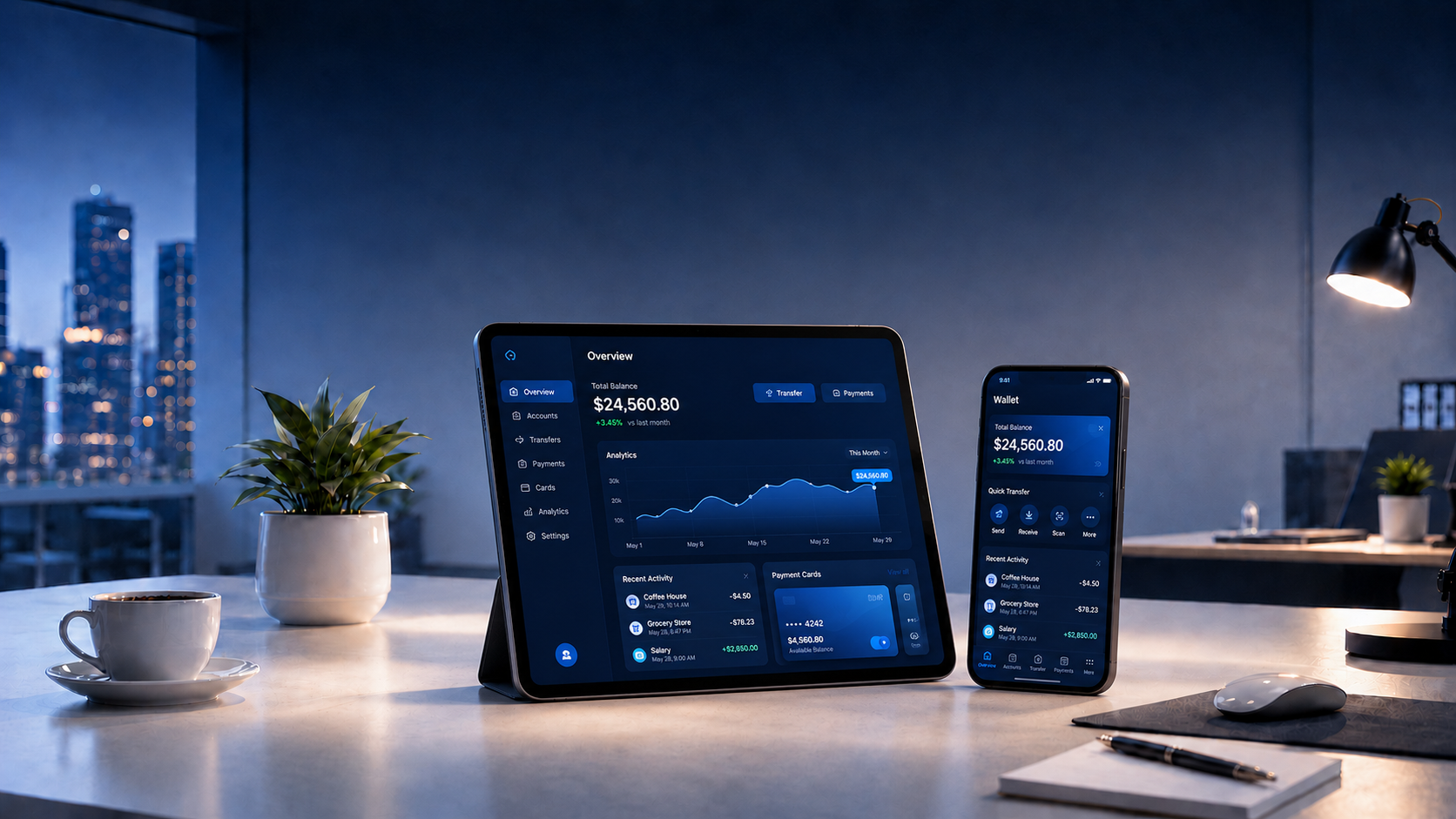
Clickable product demos, configurators, or calculators built directly into the presentation.

Embedded Media

Video, 3D models, animation, and live data embedded natively — no external links.

Self-Guided Mode

Built to work with or without someone presenting live — attract-loops when idle.

Cross-Device Delivery

One codebase runs on kiosk screens, tablets, and laptops.

Content Management

Update content, add sections, and swap media from a simple dashboard.

The CREAIVA Difference

Why Us

Three specific things you get from us that you don't get from a generic agency or a freelancer.

Real interaction, not slide gimmicks

These aren't Prezi zooms — they're actual interactive experiences with configurators, calculators, and product demos built in.

Works everywhere

One codebase deploys to kiosk, tablet, laptop, and web — no separate builds.

Update, don't rebuild

Every project ships with a CMS so your team can add sections and swap media without touching the code.

Perfect For

Who This Is For

Common briefs where interactive presentation is exactly the right investment.

Showroom Displays

Retail product exploration.

Trade Show Booths

Interactive brand storytelling.

Sales Demos

Configurable product walkthroughs.

Investor Portals

Deep-dive interactive decks.

Engagement Timeline

How It Runs

A predictable four-phase engagement — clear milestones, clear deliverables per phase.

Phase 01

Concept & Story

Weeks 1–2

Section map, user flow, and interactive touchpoints planned.

Phase 02

Design

Weeks 3–4

Full UI design across every screen size and section.

Phase 03

Build

Weeks 5–8

Development, CMS setup, and content integration.

Phase 04

Launch

Week 9

On-device testing, deploy, and handover.

Common Questions

FAQ

The questions we get most often about interactive presentation.

How is this different from PowerPoint or Prezi?
PowerPoint is linear. Prezi is a zoomable canvas. This is a real interactive app — with configurators, embedded 3D, calculators, and click-through product demos.
Can it run offline?
Yes — content is cached locally and syncs when connected, so unstable venue Wi-Fi doesn't take you down mid-pitch.
Can the sales team update content themselves?
Yes. Every project ships with a simple CMS. New sections, media swaps, and copy edits are all a few clicks.
Do you work with our existing brand system?
Yes — the interactive is built on top of your existing visual identity, not a generic template.
Continue Exploring

Related services

Ready When You Are

Let's talk about Interactive Presentation.

Tell us about your project — timeline, budget, and goals. We reply within 24 hours, in English or Arabic.

Start a Project